
Professional Proposals: Export and Styling Upgrades Are Here
The documents you submit represent your business. A well-formatted, professional proposal signals competence and attention to detail before the evaluator reads a single line item. The latest export upgrades give you the tools to produce submissions that look as professional as the work you deliver.
Branded Cover Pages
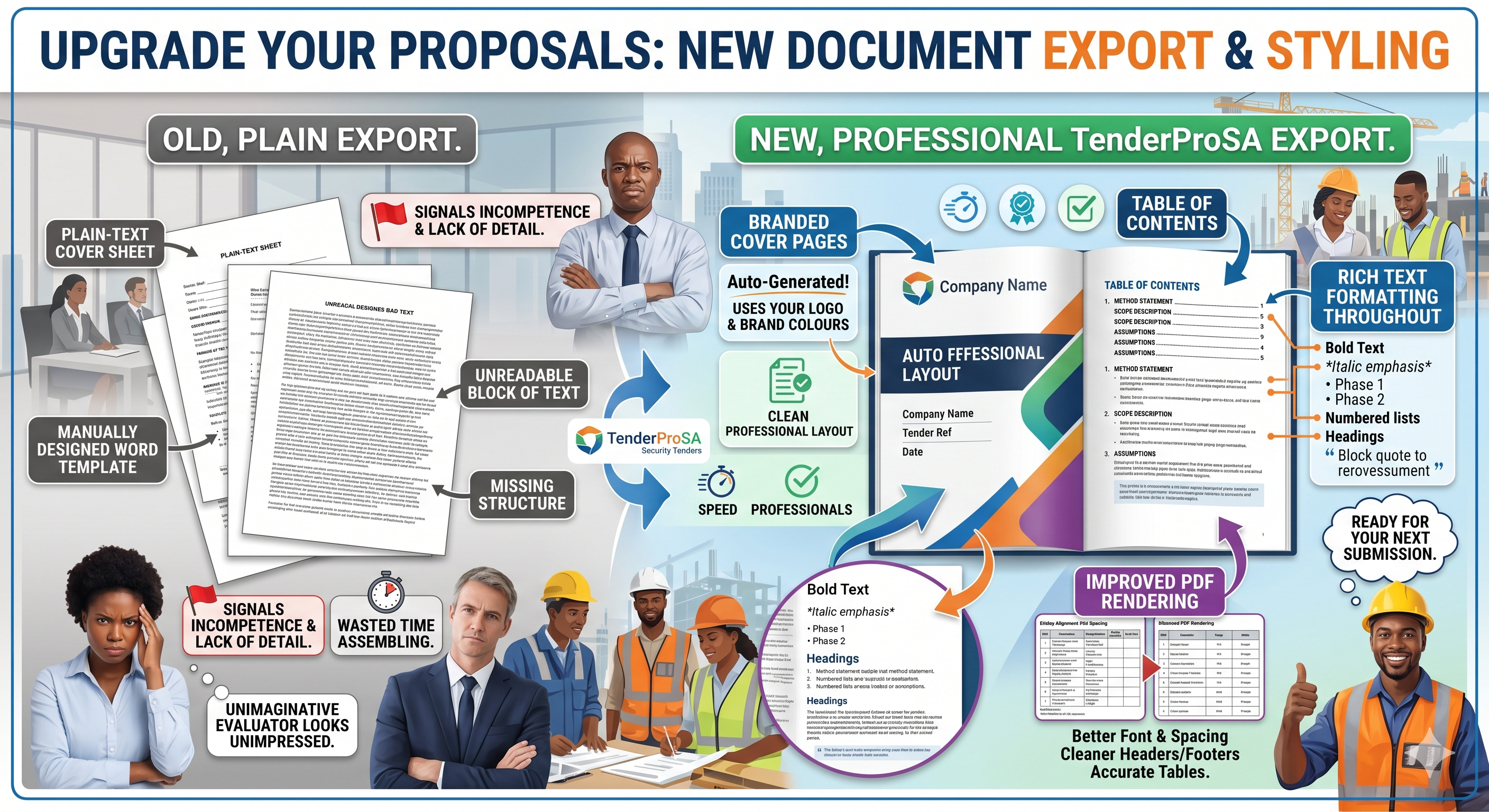
Your proposals now open with a branded cover page. Upload your company logo, set your brand colours, and the cover page is generated automatically.
It includes your company name, the tender reference, the submission date, and a clean professional layout. No more plain-text cover sheets or manually designed Word templates.
Table of Contents
For longer submissions, a table of contents is generated automatically based on the sections in your document.
This makes your proposal easier to navigate and gives it the structure that evaluators expect from professional submissions. Page numbers are included and accurate.
Rich Text Formatting Throughout
You can now use rich formatting throughout your proposal content:
- Bold and italic emphasis
- Bullet points and numbered lists
- Headings and sub-headings
- Block quotes and callouts
This applies to your method statement, scope description, assumptions, and any other text sections. Rich formatting makes complex information clearer and more readable — and signals that your team takes submissions seriously.
Improved PDF Rendering
The PDF export engine has been upgraded for:
- Better font rendering across devices
- Tighter, more consistent spacing
- Cleaner headers and footers
- More accurate table rendering
The gap between what you see on screen and what comes out of the printer has been significantly reduced.
Ready for Your Next Submission
These styling improvements apply to every export across TenderProSA — quotes, proposals, method statements, and custom documents. No configuration required. Open an existing document, export it, and you'll see the difference immediately.