
Tax Clearance Certificate for SA Tenders: 2026 Guide
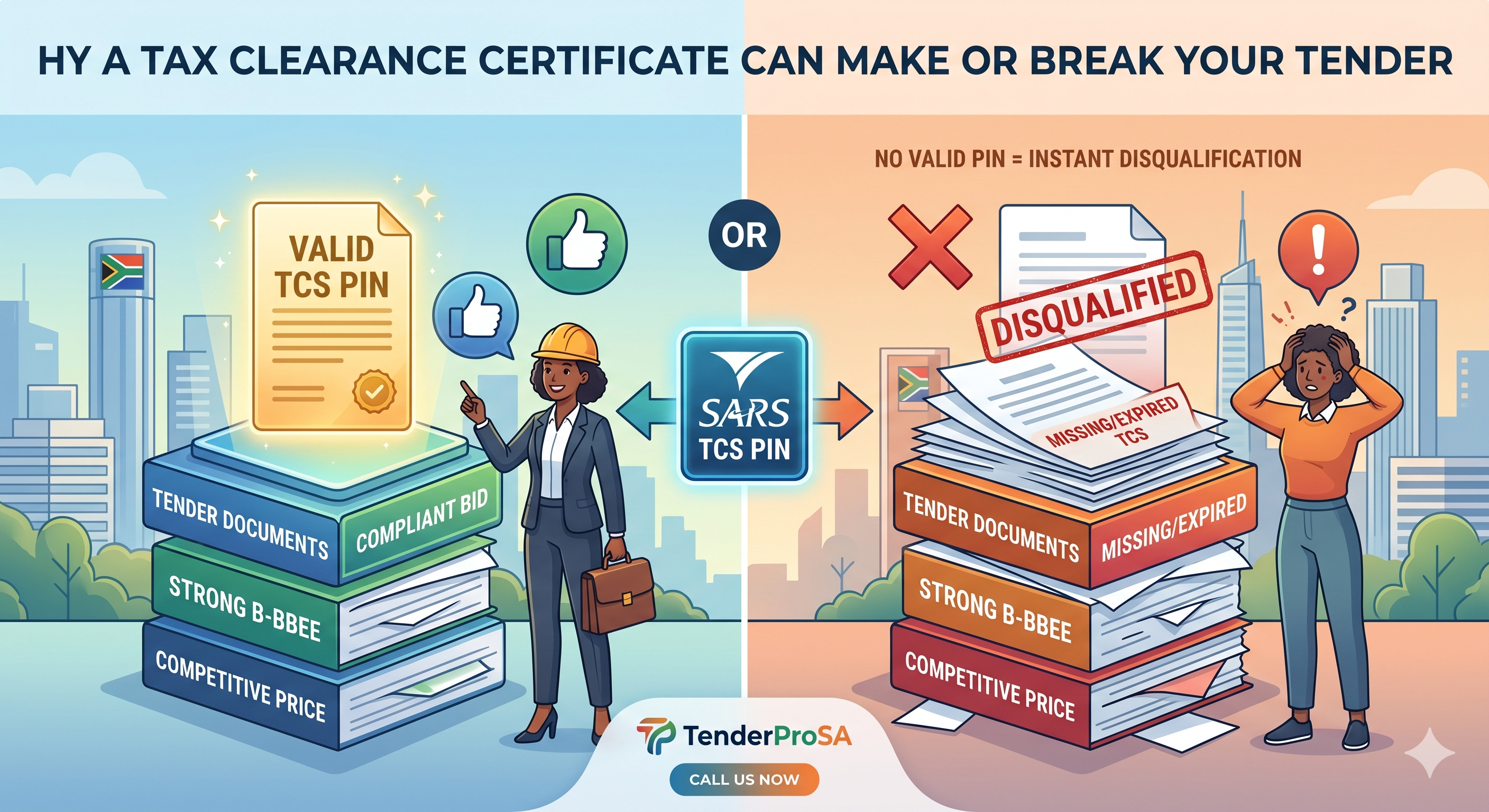
Why a tax clearance certificate can make or break your tender
A valid tax clearance certificate — or more accurately, a Tax Compliance Status (TCS) PIN — is one of the non-negotiable documents for every South African government tender submission. No valid TCS, no bid. It does not matter how competitive your price is or how strong your B-BBEE score is — an expired or missing tax clearance will disqualify you instantly.
SARS has shifted from issuing paper certificates to a PIN-based verification system, which means your tax compliance is checked in real time by the procuring entity. This guide covers everything you need to know to stay compliant and never lose a tender to a tax clearance issue again.
What changed: from paper certificates to TCS PINs
Until a few years ago, SARS issued physical tax clearance certificates with an expiry date. In 2019, SARS replaced these with the Tax Compliance Status (TCS) system on eFiling. Key differences:
- No more paper certificates — instead, you receive a TCS PIN that government entities use to verify your status online
- Real-time verification — the procuring entity enters your PIN and gets an instant live status check (not a point-in-time certificate)
- Always current — your status can change at any time (if you miss a return, your status goes non-compliant immediately)
- Multiple purposes — one TCS PIN can be used for tenders, foreign investment, good standing letters, and emigration
The practical implication: you cannot rely on a PIN you obtained 3 months ago. Your tax compliance needs to be maintained continuously, not just when a tender deadline looms.
Who needs a tax clearance certificate?
Every business bidding on South African government tenders must have a valid TCS PIN, including:
- Companies (Pty Ltd), close corporations, partnerships
- Sole proprietors
- Trusts and NPOs bidding on government work
- Joint ventures (each entity in the JV must be compliant)
- Subcontractors (main contractors are increasingly requiring TCS compliance from subs)
What SARS checks for tax compliance
Your TCS status reflects compliance across all your tax obligations. SARS checks:
- Income Tax: All returns filed and assessments paid (or payment arrangements in place)
- VAT: All VAT201 returns submitted on time, outstanding VAT paid (if registered)
- PAYE: All EMP201 returns filed, employee taxes paid over to SARS
- SDL and UIF: Skills Development Levy and UIF contributions current
- Provisional Tax: IRP6 returns filed on time if applicable
Any outstanding return — even a nil return — can make you non-compliant. SARS does not distinguish between I forgot and I cannot pay. Both trigger non-compliance.
How to get your TCS PIN: step-by-step
- Log in to SARS eFiling at sarsefiling.co.za. If you do not have an eFiling profile, register — you will need your company registration number, tax reference number, and a bank account for verification.
- Navigate to Tax Compliance Status. From the main eFiling dashboard, go to Home → SARS Registered Details → Tax Compliance Status → Request.
- Select the reason for your TCS request. For government tenders, select Tender from the dropdown. Other options include Good Standing, Foreign Investment, and Emigration.
- Confirm your details. SARS will show you the tax types it will check. Verify that all registered tax types (Income Tax, VAT, PAYE if applicable) are listed correctly.
- Submit the request. SARS processes this in real time. If your account is fully compliant, your TCS PIN generates immediately on screen.
- Save your PIN. Copy or screenshot the PIN. You can also find it later under Home → SARS Registered Details → Tax Compliance Status → View.
- Include the PIN in your tender submission. Most SBD forms (specifically SBD 2) require your TCS PIN, not a copy of any certificate. The evaluator enters the PIN directly into SARS verification portal.
What to do if your TCS request fails
If SARS returns a non-compliant status, here is how to resolve it:
Outstanding tax returns
Log into eFiling and check your return history. File any outstanding returns — even a nil return (R0 liability) must be filed if you are registered for that tax type. Same-day resolution is possible if it is just a missing submission.
Outstanding debt
If you owe SARS money, you have two options: pay the full amount (compliance restores immediately after SARS processes payment), or enter into a deferral arrangement (pay agreement with SARS). A valid deferral arrangement counts as compliant for TCS purposes.
Disputes and objections
If you are disputing an assessment, lodge a formal objection via eFiling. If the objection is accepted and in process, SARS may issue compliance pending review. Consult a registered tax practitioner for this route.
SARS account errors
Sometimes non-compliance is a SARS system error — a return you filed was not processed, a payment was not allocated correctly. Visit your nearest SARS branch or use the SARS online query system to resolve.
How long does a TCS PIN last?
The PIN itself does not expire, but your underlying compliance status can change at any moment. Best practice:
- Request a fresh TCS PIN within 21 days of your tender submission date
- Check your compliance status every month — do not wait for a tender deadline
- Set reminders for VAT and PAYE filing deadlines (they are monthly — missing one changes your status overnight)
- If you are on eFiling, enable email notifications for outstanding returns
SBD 2: the tender document that uses your TCS PIN
The SBD 2 (Tax Matters declaration) is the standard form in government tender documents where you declare your tax compliance. It requires:
- Your company tax reference number
- Your TCS PIN
- A declaration that all taxes are paid or that a valid arrangement is in place
- Signature by an authorized representative
TenderProSA automatically generates your SBD 2 as part of the bid pack, pre-populated with your business details. All you need to provide is your current TCS PIN — the system handles the rest.
Common tax clearance mistakes that disqualify bids
- Submitting a screenshot of an old PIN — evaluators verify the PIN live; if your status changed, you are disqualified even with a valid-looking screenshot
- Using the wrong entity PIN — in joint ventures, each entity needs its own TCS PIN. The main applicant PIN does not cover subcontractors or JV partners.
- Forgetting VAT registration compliance — if you are VAT registered, outstanding VAT returns will make you non-compliant even if income tax is current
- PAYE lapsing on payroll changes — businesses that hired staff recently but did not register for PAYE have a compliance gap
- Not checking compliance before submission — check the night before the tender closes, not a week in advance
Tax clearance and CSD registration
Your Central Supplier Database (CSD) profile also checks tax compliance. SARS and CSD are integrated — if your TCS status is non-compliant, your CSD profile will show Tax non-compliant and procuring entities will see this during supplier verification. Keeping your CSD profile current means keeping your tax status current.
How TenderProSA tracks your compliance
TenderProSA Compliance Dashboard tracks all your key document statuses in one place — including a reminder system for tax return deadlines, TCS status checks, and alerts when your compliance position is at risk. When you are preparing a bid, the system flags if your TCS status needs to be refreshed before submission.
Ready to stop losing tenders to compliance issues? Try TenderProSA free today — get AI-powered compliance tracking and bid preparation in one platform. 100 credits on signup, no credit card required.